
Student Housing
Live54 properties registered

How a rating happens
Scope is agreed, the sector benchmark for the asset is set, and the people who will answer each part of the assessment are identified before anything opens.
The property portal opens. The manager assigns tasks to the people who hold the answers.
Data goes in at property level — from a phone, on a walkaround. Selective proof and satisfaction scores are added where they apply.
The portal closes and the submission is fixed. Nothing further can be added to this cycle, which is what makes the resulting score comparable with everyone else’s.
Spire takes over. Every submission is checked against its proof before anything is scored, which is the step that separates a rating from a self-assessment.
Validation, then sector benchmarking, then the recommendations are constructed from where the property sits against its peers.
Twenty-five pages, produced for this asset: the rating, the pillars, the demand fit and what to act on.
The mark and the score for the year go on the building, and the four-year cycle begins: monitoring in years two and three, a full re-rating in year four.
What is actually being answered
Three of the 40+ indicators, with some of their options. Tick and untick them to see how an indicator is built.
 Residents
4 of 6 shown · 12 more options in this indicator
 Residents
3 of 6 shown · 4 more options in this indicator
 Community
3 of 6 shown · 4 more options in this indicator
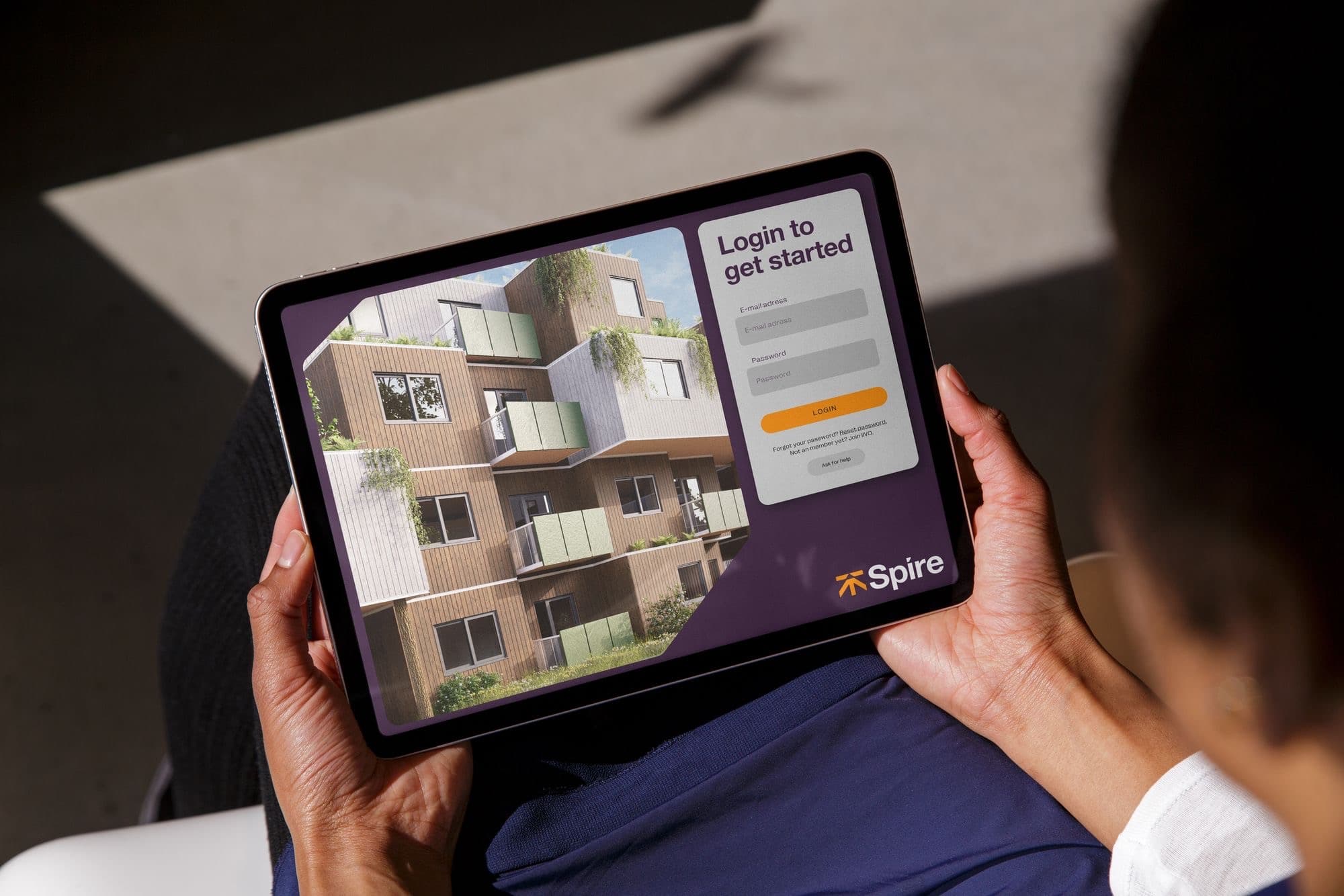
The property portal
Every rating framework asks for data. The reason most of them stall is that one person ends up chasing every answer. The portal exists so that never happens.
Who fills it in
Property manager
Opens the assessment and assigns each part to whoever holds that answer. Sees progress without having to chase it.
On-site team
Answers what it owns — amenities, programming, service, staff conditions — from a phone during a walkaround.
Operator or corporate oversight
Reviews before submission and watches progress across every asset in the portfolio from one place.
A first full assessment is hours spread across the submission window, not a project that needs its own team.
After the first rating
Years two and three fork. If nothing has changed at the property the benchmark is rerun without a new submission, so you can see where the same asset now sits as the sector moves. If something has changed, the portal reopens and the rating is updated.
The full assessment
Depends on whether anything changed
No change at the property
Change at the property
Full re-rating
54 properties registered

38 properties registered
Completing the living sector

Ready for the flight to quality